Visualisation – smart system control

KNX visualisation for simple central control

Visualisation is the user interface through which complex technical systems become clear and easy to control. Amplituda creates solutions tailored to the specific building and the users’ needs, rather than presenting every function in the same way. Lighting, blinds, heating and cooling, audio/video and selected statuses of technical security and other systems can be brought together in a single interface. Control can be available on a touch panel, tablet, smartphone or computer, depending on the chosen platform.

The user thus gets an overview of the system status and access to the most important functions without a series of different apps. Well-designed visualisation does not show everything the technology can do, but what the user really needs in everyday use.

Gira touch panel on the wall of a bright interior

One interface for several systems

When each technical system has its own app, the user has to remember where to control the lighting, where the temperature and where multimedia or security functions. KNX visualisation can bring the most important controls and statuses together in a common structure. From the same interface you can, for example, select lighting scenes, change the temperature of a zone, check the position of the blinds or control audio/video functions.

Integration does not mean that everything has to be on one screen: a good interface organises information by room, function or scene so that the user can find their way quickly, without unnecessary technical detail.
Scenes, statuses and feedback

Visualisation is not just a virtual switch. It can show the user the current state of the system, set values, active modes and other information that is useful for the specific building. Scenes allow several actions to be triggered with a single command, for example leaving the house, evening mode or a cinema scene.

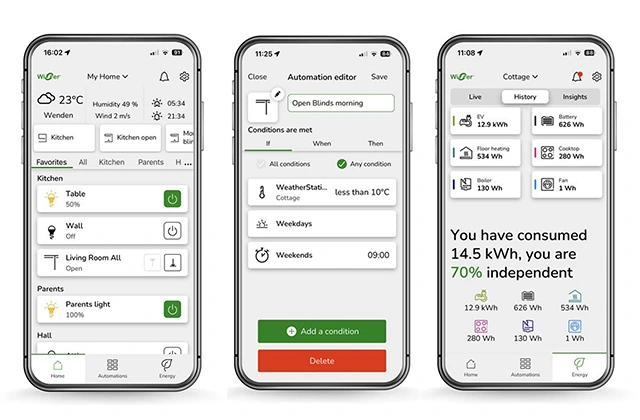
Feedback is also important: the user should be able to see clearly whether a function is on, what the temperature in a zone is or whether a blind is in the desired position, if the system supports such information. Well-configured visualisation therefore reduces uncertainty and makes automation easier to understand, especially in larger and more complex buildings.

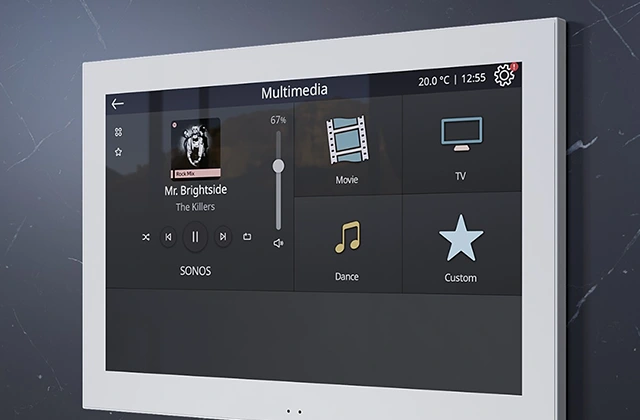
Zennio KNX touch panel showing multimedia and scenes
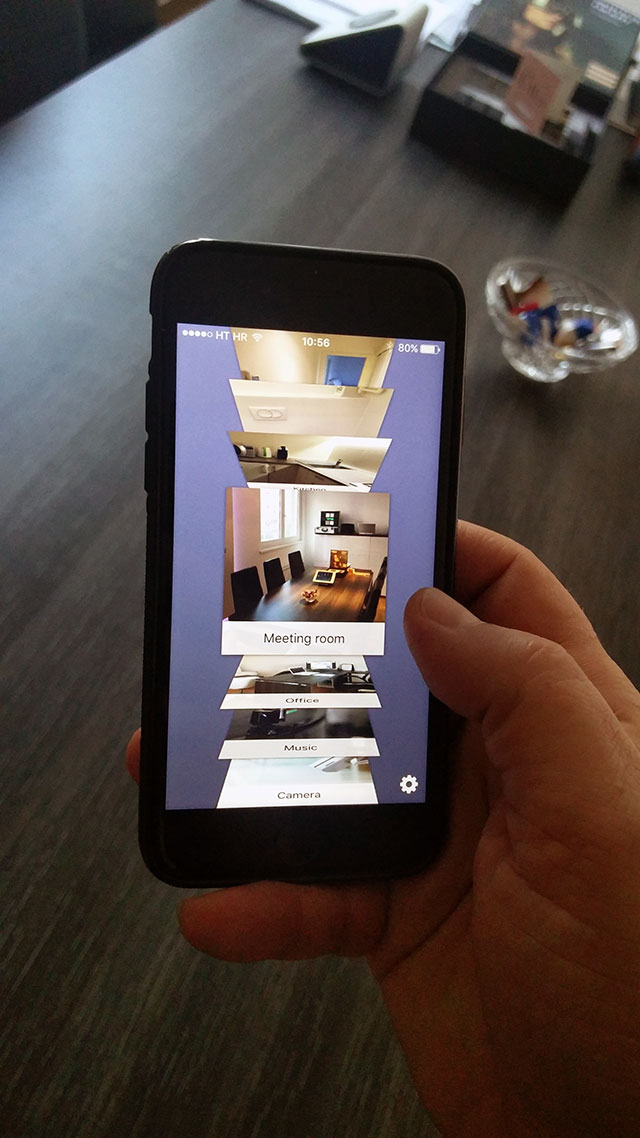
Schneider Electric app on smartphones – statuses and feedback

Mobile, tablet or touch panel?

Control can be available via a tablet, smartphone and computer, and in a modern project dedicated touch panels can be added. Each interface has its role: a wall panel is practical for everyday functions in the building, a mobile device offers flexibility, and a larger screen can be useful for a more detailed overview.

Remote control is possible when a suitable platform and a secure network solution have been chosen. Amplituda adapts the control concept to the user and the building, instead of expecting the user to adapt to a predefined technological logic.

An interface that evolves with the building

Visualisation is defined according to the actual functions of the system and can be adapted when the building is later extended. Adding new lighting, a heating zone, blinds or another integrated function often also means the user interface has to change. The platform is therefore chosen according to the scope of the project, the desired devices, the method of local and remote access and the options for future maintenance and upgrades.

A good system architecture does not tie the user experience to a single outdated product, but allows the interface to evolve together with the building. The user keeps the same basic logic: clear control, clear statuses and easy access to the functions they use every day.

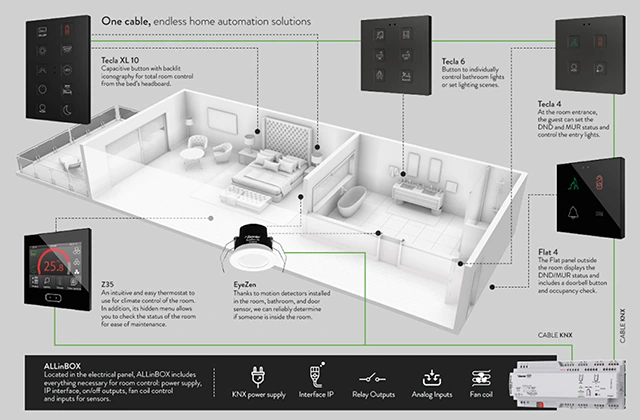
Zennio diagram of KNX devices in a home for energy-efficient control

The best visualisation is not the one with the most buttons, but the one in which the user finds the function they need without having to think. Complex systems can stay in the background; on the screen the user should see only a clear overview, the status and a simple decision.

Photo gallery

Video gallery